Sculptural chrome and cobalt fragments spiralling into a dark centre
Practical intelligence. Independent ambition.

Put intelligence
to work.

Less friction. More possibility.
Connect the tools you already use and give AI a useful job to do.

BUILT FOR SMALL BUSINESS. DESIGNED FOR REAL WORK.
THE AI TIMES APPROACHUSEFUL OVER HYPEDSYSTEMS OVER GUESSWORKHUMAN JUDGEMENT, ALWAYS
01 / The first release

Connect AI
to your work.

Bring your project, files and direction. See how connected tools help you move the work forward.

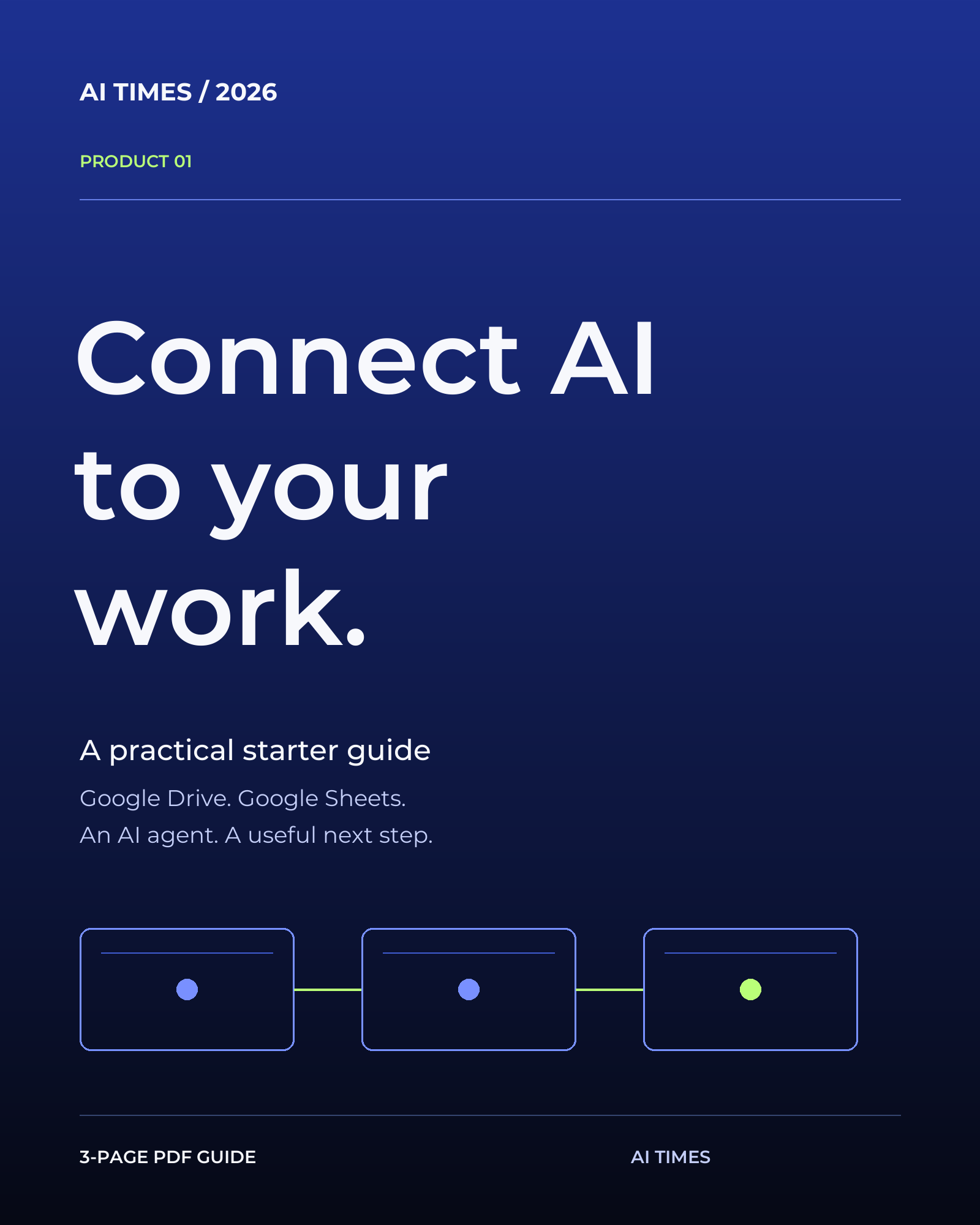
Connect AI to Your Work — AI Times three-page PDF guide cover
PRODUCT 01 / YOUR FIRST CONNECTED PROJECT

You bring the project.
AI helps move it forward.

A small guide to a bigger possibility: AI that can work with your project. Discover the connection between Google Drive, Sheets and an AI agent through a real art-store example, then try it with your own work.

3-page PDF guideReal art-store exampleBeginner-friendly setupA useful first task
A$5 AUD · One-time purchase

Text-based PDF guide. No photos or video lessons included.

PDF DOWNLOAD · PAYHIP CHECKOUTGet the guide — A$5 ↗
02 / A look inside

What could you do
with connected AI?

Your ideas already have somewhere to go. This guide helps you see what becomes possible when your tools work together.

01

See the possibility.

A real creative business makes the idea tangible.

02

Find your starting point.

A plain-language introduction for your first connected project.

03

Make it useful.

A practical task and reusable prompt to try with your own material.

INSPIRED BY A REAL PROJECT / CB24ARTSTORE

The idea started with an art store.

Get the guide — A$5 ↗

Behind the artwork was the work of getting a store ready. That experience became the starting point for this guide: a way to make connected AI easier to understand, and useful to try.

The full example, connection steps and first task are inside the PDF.

03 / A more considered approach

AI is a tool.
You're the judgement.

AI Times 2026 explores practical ways to put AI and automation to work. We start with a specific task, make the process clear, and keep the decisions with you.

01 Start with work that matters.
02 Give the tool real context.
03 Check the output. Keep control.
04 Test the idea before scaling it.
04 / Good questions

A little clarity
before you begin.

Who is the guide for?

Beginners, small-business owners and creative people who want a practical introduction to using AI with their own work. No coding knowledge is needed.

Which tools do I need?

The walkthrough uses Google Drive, Docs and Sheets, plus ChatGPT Work with the Google Drive plugin. You need access to the plugin and permission to edit your Sheet. Availability depends on your plan, workspace and permissions; service charges are separate. Canva and Etsy illustrate later stages of the art-store workflow and are not required for the first task.

What will I create?

The first task helps you create a saved project brief and tracker for your own project. The instructions and reusable prompt are included in the PDF.

Will it keep working by itself?

You start the task and review the result. This introductory guide does not set up unattended or scheduled automation.

How will I receive the guide?

Checkout is through Payhip in Australian dollars. After a completed purchase, you receive a PDF download page and an email with your access link. Any applicable taxes are shown at checkout. There is no physical delivery or subscription.

What is the refund policy?

We do not offer change-of-mind refunds for digital downloads. Your rights under applicable consumer law are preserved. For file-access problems or other purchase issues, use our purchase help page for access problems, order questions and refund requests. Include your order ID so we can find the purchase.

THE NEXT MOVE IS YOURS

Make room for
what comes next.

Explore the first release ↗